Things you can make.
Each one comes with a checked parts list, print files and code.
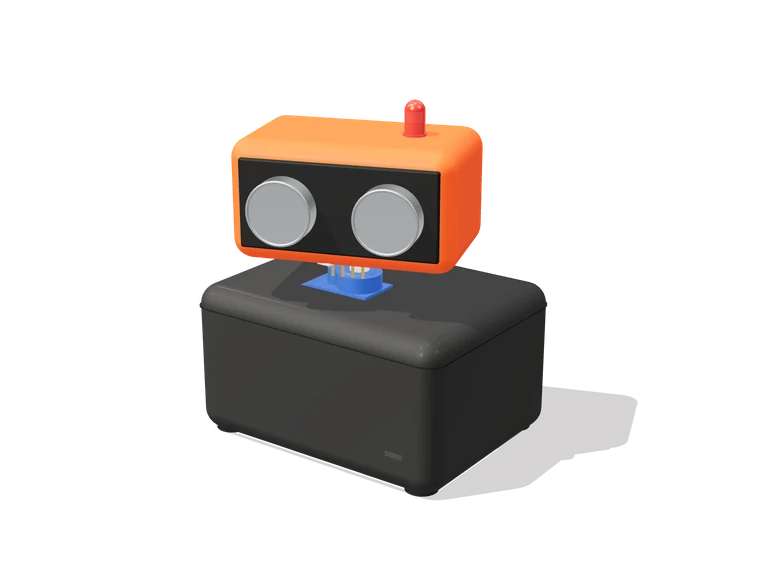
Desk Sentry
A little head that sweeps your desk and turns to look at you when you come close.
- Parts
- Parts cost
- Build time
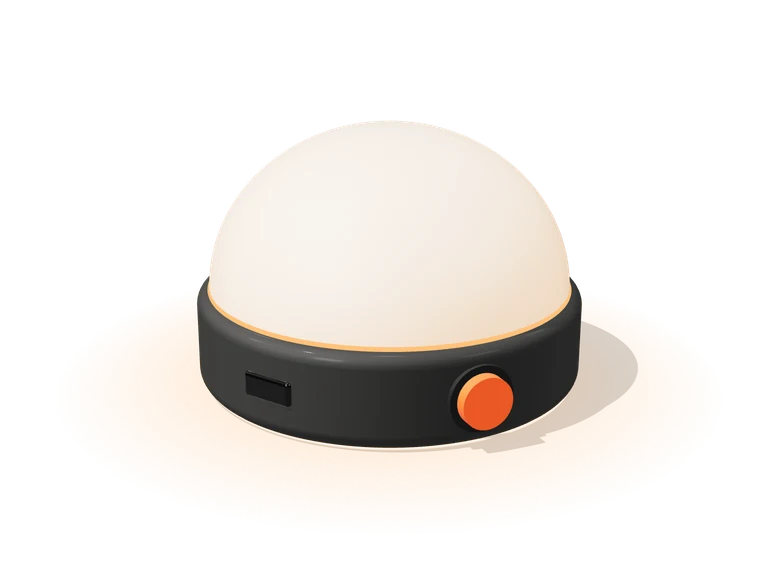
Night Light
A ring of warm light that wakes up when the room goes dark. Tap it to change the color.
- Parts
- Parts cost
- Build time
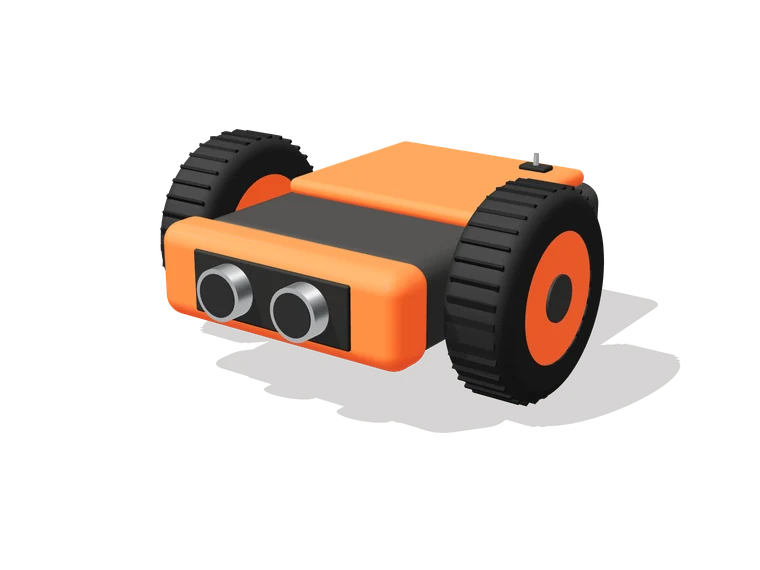
Tiny Rover
Two wheels and a sonar. It drives around the room and steers clear of whatever is in its way.
- Parts
- Parts cost
- Build time
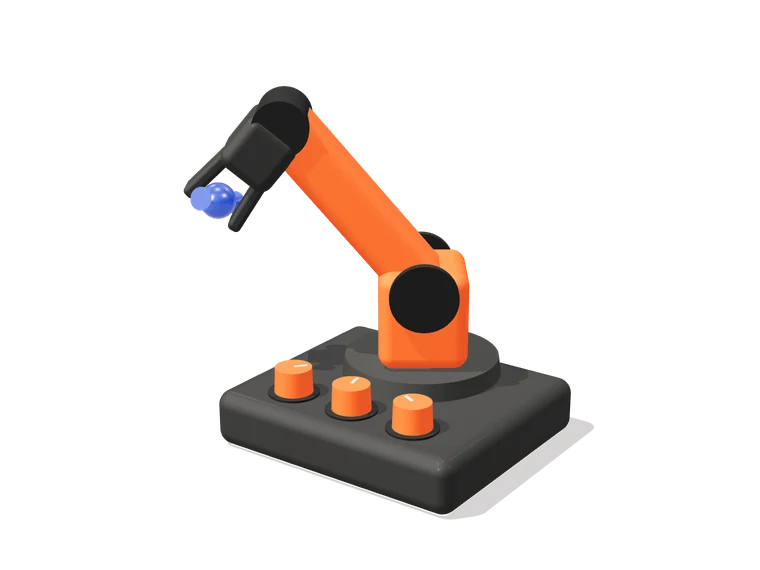
Desk Arm
A three-joint arm you steer with three knobs. Picks up candy, mostly.
- Parts
- Parts cost
- Build time
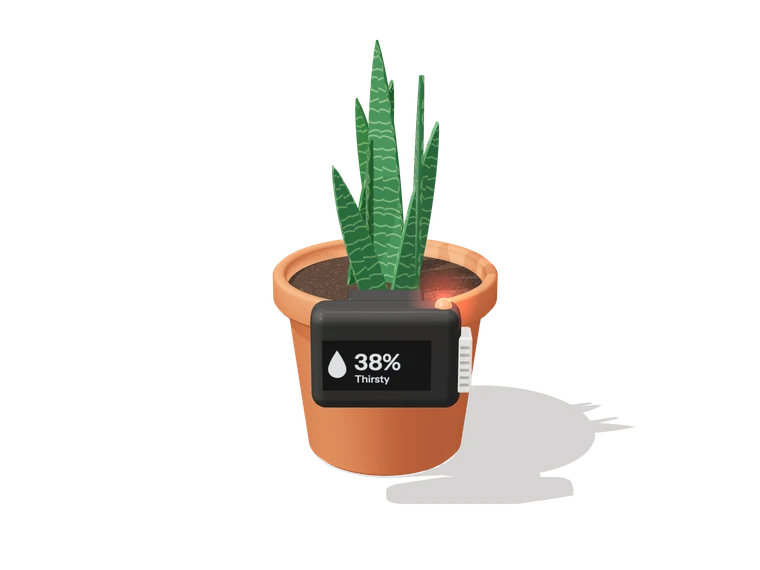
Plant Whisperer
Clips onto the pot, reads the soil and the air, and lights up when your plant needs water.
- Parts
- Parts cost
- Build time
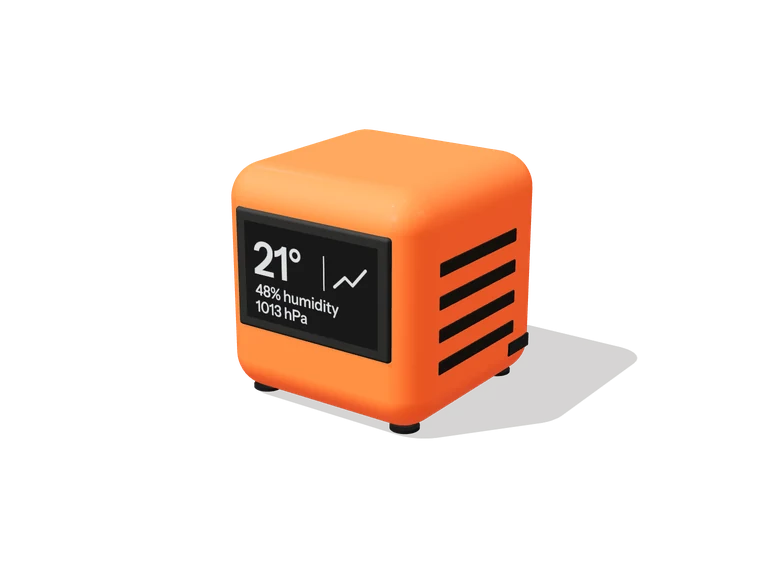
Weather Cube
A palm-sized cube that shows the temperature, humidity and pressure, and runs a week on a charge.
- Parts
- Parts cost
- Build time
Parts costs are estimates and don't include shipping.
Drag the parts around.
FAQ
Which parts do you support?
Boards like the Arduino Uno and Nano, ESP32 and Raspberry Pi Pico, and the sensors, motors, servos, displays, lights and power parts that work with them. Kobble only suggests parts that are in stock.
How much experience do I need?
None. You describe what you want in plain words, and every build comes with the wiring, the code and assembly steps you follow one at a time. Some builds need a little soldering, and the steps say when.
Where do the parts come from?
From electronics stores that have them in stock. Kobble links you to each part and shows its price before you order.
Do I need a 3D printer?
No. The printed case is optional. If you want one, you get the print files to print yourself, at a school or maker space, or through an online print service.
Do I get the code too?
Yes. Every build comes with the code for its microcontroller, ready to upload.
What does the check cover?
The check covers wiring, pins, voltage and current. It doesn't check your soldering.
Can I use it with a class or lab?
Yes. Students describe a project and get an in-stock parts list, check the build on screen before anything is ordered, and follow the assembly steps when the parts arrive. Talk to us about your class or lab.
FAQ
Which parts do you support?
Boards like the Arduino Uno and Nano, ESP32 and Raspberry Pi Pico, and the sensors, motors, servos, displays, lights and power parts that work with them. Kobble only suggests parts that are in stock.
How much experience do I need?
None. You describe what you want in plain words, and every build comes with the wiring, the code and assembly steps you follow one at a time. Some builds need a little soldering, and the steps say when.
Where do the parts come from?
From electronics stores that have them in stock. Kobble links you to each part and shows its price before you order.
Do I need a 3D printer?
No. The printed case is optional. If you want one, you get the print files to print yourself, at a school or maker space, or through an online print service.
Do I get the code too?
Yes. Every build comes with the code for its microcontroller, ready to upload.
What does the check cover?
The check covers wiring, pins, voltage and current. It doesn't check your soldering.
Can I use it with a class or lab?
Yes. Students describe a project and get an in-stock parts list, check the build on screen before anything is ordered, and follow the assembly steps when the parts arrive. Talk to us about your class or lab.